Exploring the New Board Interface
By on 23 Sep 25 14:49


1283 views | 3 edits | Last edit on 06 Oct 25 09:56
A quick guide of what’s new.
The board interface has been recreated in its entirety to improve the current RHP experience and provide a better web application for the future. It also unifies the board interface over all features, daily/correspondence, live, study material, and other tools such as the FEN viewer.
You can get quick access to most of the new board settings right from any large board anywhere on the site. Look for the cog/settings icon next to every large board.
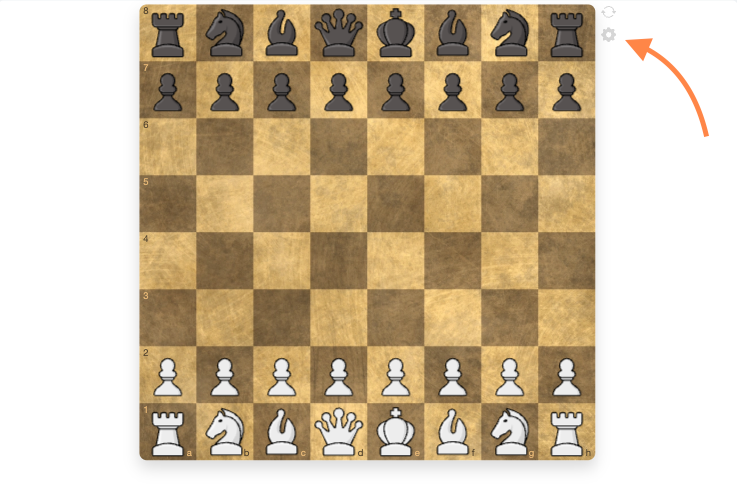
All changes are made in real-time so you can quickly preview your preferences. If you do not want a new feature, in most cases, you can simply turn it off.
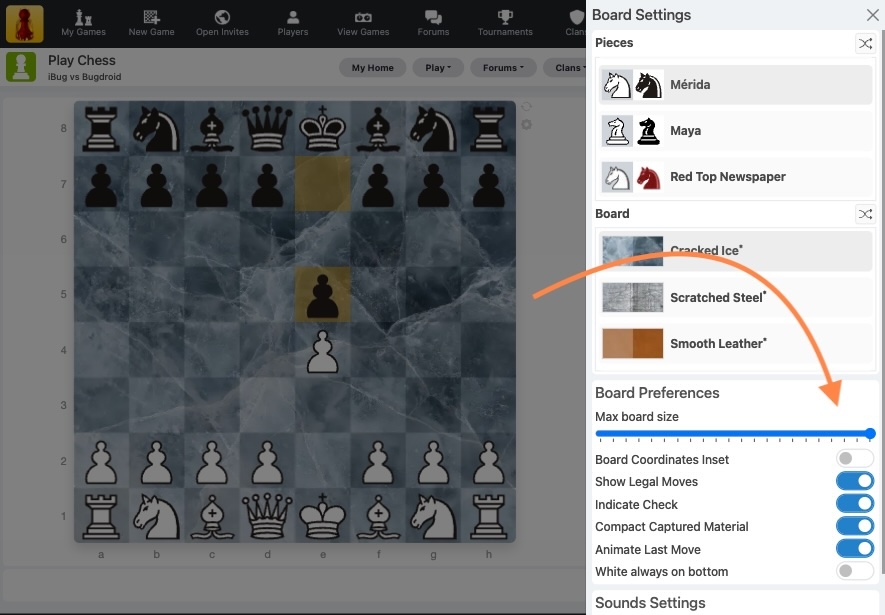
New boards and pieces.
New sets have been introduced and old favorites touched up for higher resolutions. You will find a better selection to choose from, and you may find your old favourite now looks a lot sharper than before. You can now scale most sets indefinitely and retain a razor sharp image. Check out the new Baby and Lucid sets, or the redesigned Wood set now renamed as Staunton.
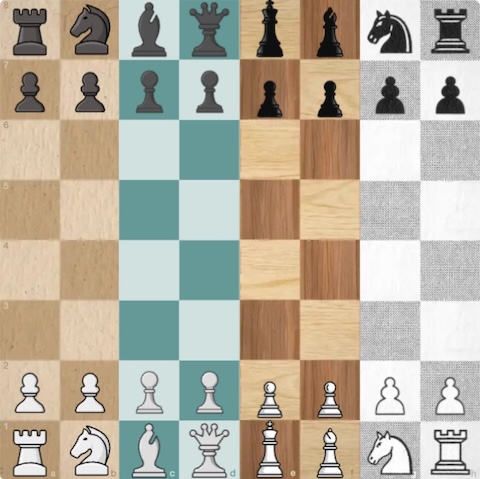
There are also additions to the board designs, and again, redesigns of current favourites such as marble to a higher resolution texture.
It’s easier than ever to change board designs, and the option is visually previewed when making your selection. You can even randomly choose an option if you need inspiration! (Look for the shuffle buttons next to each option)
If you want to see what permutation other players use, check their profiles where a clickable preview is now shown. Use this button to visit board settings and quickly set yours to match.
Furthermore, the maximum board size used throughout the site can be set more precisely too to your preference.
Animated moves
When you view the board you will see the your opponent's move played along with the existing move marker highlights. Your opponent is rarely sitting at the board during correspondence chess, but this animation adds a sense of dynamism.
New promoted pawn selection
During pawn promotion, the player selects the promoted piece directly on the board. This new intuitive interface makes this choice easier and less likely to be overlooked, unlike the current implementation.
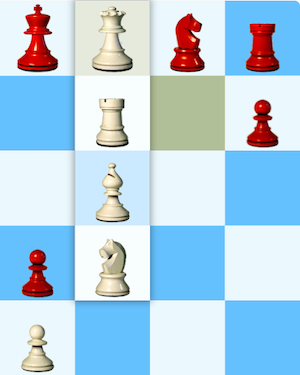
Inset board coordinates
Board coordinates can now be located directly on the board itself. This new inset design not only looks great, but is also very useful for mobile devices where the horizontal screen space is limited. Inset will be the new default for new users going forward.
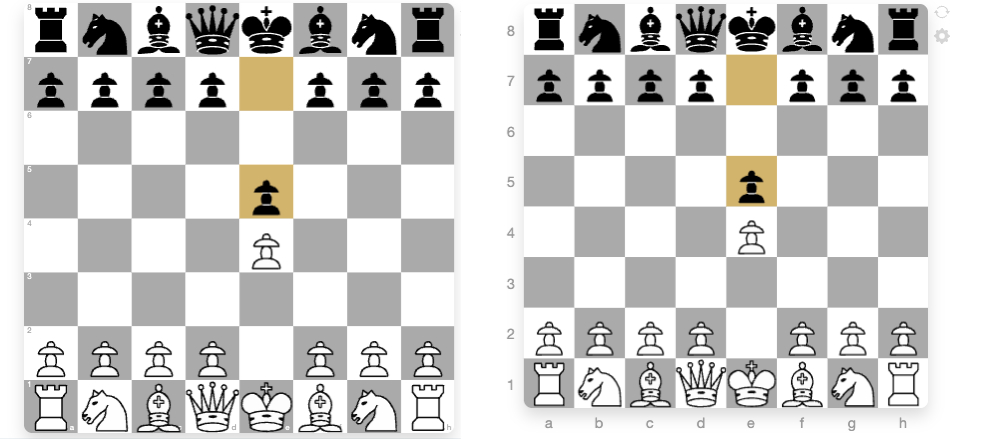
Move availability highlights
If you are new to chess, it can be overwhelming to learn what can move where and how. By default, all legal moves will now be highlighted as a piece is selected. Only legal moves can subsequently be made and invalid moves rejected immediately.
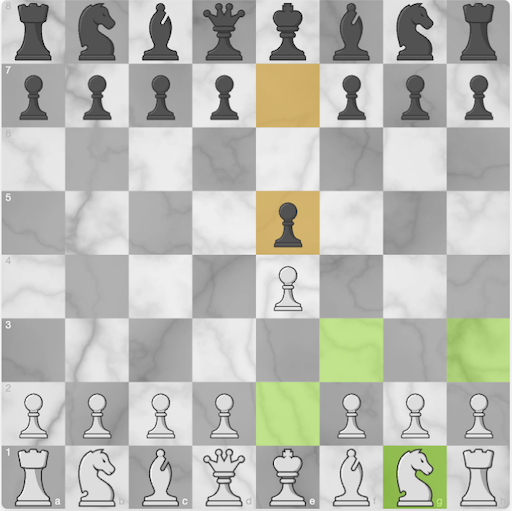
Furthermore, check and checkmate will be indicated on the board itself.
Interactive Tools
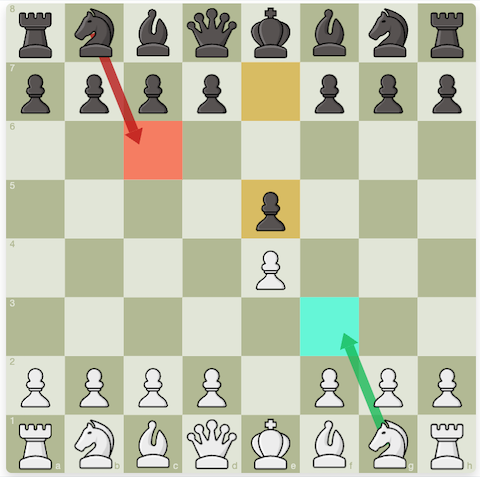
If you want to ‘markup’ your boards as you play, you can draw arrows and add highlights on all boards throughout the site. They are only temporary, and on the next move they will be cleaned away, so add as many as you like, and you will have a clean board ready for your next move.
Use the right mouse button and drag to draw an arrow, or just right click to highlight a tile. Use in coordination with the ctrl key to get a different color selection.
In-game chat changes
The game play board and layout is now designed to avoid scrolling, so the board will scale, subject to your maximum size preference, to be as large as possible. When you receive a message, the message will now appear at the bottom of the screen after the optional move animation has completed. You can choose to expand the message to avoid scrolling if you have received a lengthy message.
The response can be typed directly below. If you do not wish to respond, click or touch anywhere on the board to close and you will be reminded above the board to reply, or simply ignore to continue without chatting.
FEN and PGN viewer tools
The PGN viewer finally correctly scrolls down the move sheet as the game is navigated, and in addition, move evaluation symbols are now highlighted in the PGN viewer and comments.
The ever popular FEN viewer tool now has additional options to copy to clipboard, share a link to social to show the board, or download a board image.

What next?
Although not available now, the new board is the gateway to providing often requested variant support for Chess960, more complex variants, such as s-chess/Seriwan chess, or even 4 player chess.
If you have any questions, please head to the forums where they can be better answered or comment below.